CLI Installation
The easiest way to get started with InfraGPT is through the CLI tool.Install with pipx (Recommended)
Install with pip
Configuration
API Keys
InfraGPT supports multiple LLM providers. Set your API key as an environment variable:OpenAI (GPT-4o)
OpenAI (GPT-4o)
Anthropic (Claude)
Anthropic (Claude)
Basic Usage
Interactive Mode
Launch InfraGPT and start using natural language:
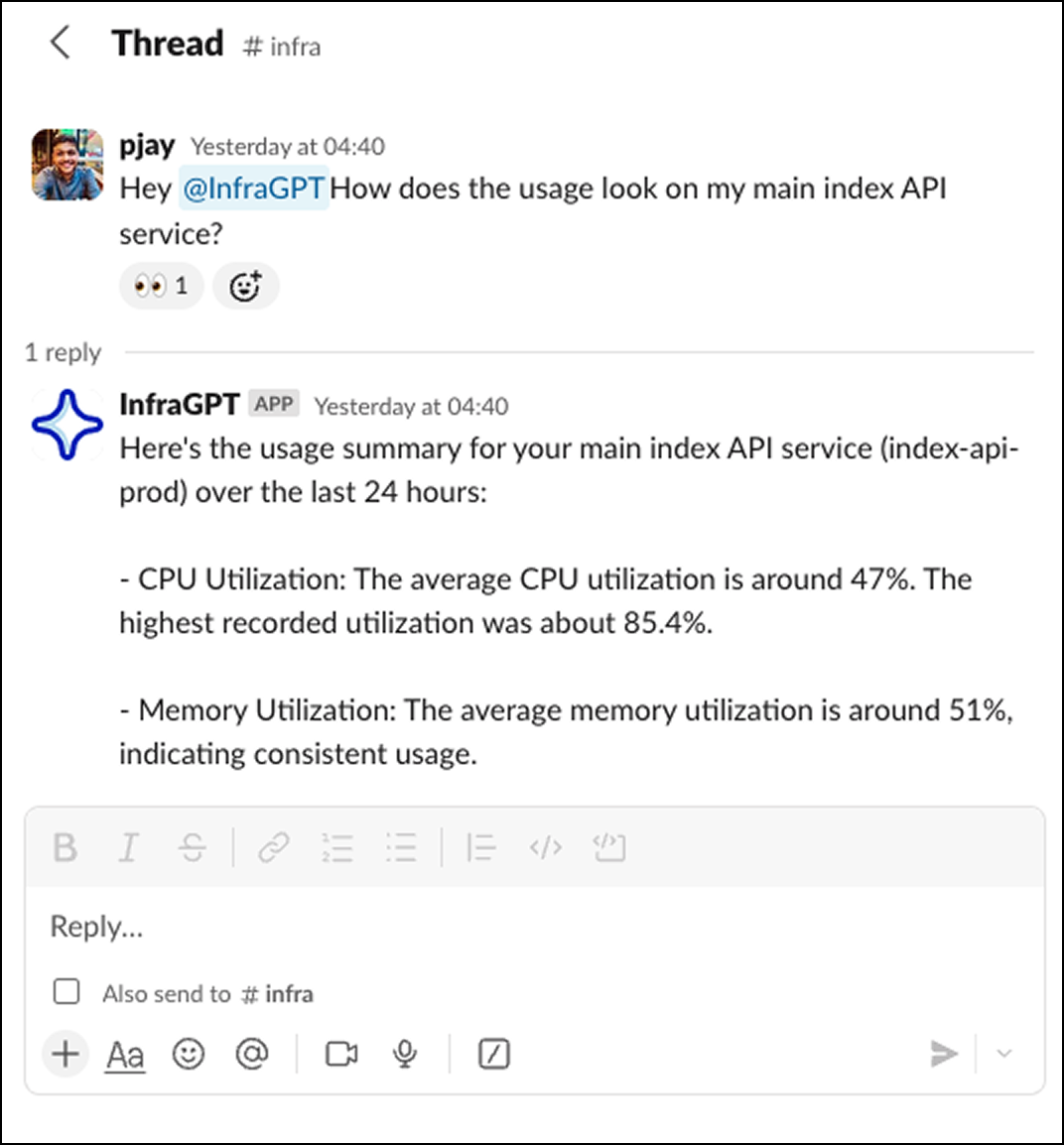
Slack Integration
For team collaboration, set up the Slack bot:- Deploy the Backend Service - Follow the development guide to deploy the Go service
- Configure Slack App - Create a Slack app with Socket Mode enabled
- Set Environment Variables - Configure your Slack tokens and database connection